Current table locks
Each time a user adds or modifies a record, one or more locks are created in the system to disallow other users from modifying the same data. Accentis Enterprise keeps a track of each lock that has been created, when it was created and which table and field is being locked.
The locking subsystem operates transparently to the user. Users cannot manually add their own locks to the system but they are able to view which locks are currently in place for their database. Users with Administrator permissions can also view locks in all other databases that are being used.
 Features
- Locking subsystem allows for record-level locking
- Ability to quickly ascertain details of locks that are currently in place
- Details displayed for locks include user name, PC name and time stamp
- Lock details refreshed automatically
Current table locks form
Module: System
Category: Table locks
Activation: Main > System > Database administration > Current table locks
Form style: Multiple instance
Special actions available for users with Administrator permissions:
- Remove locks with right-click popup menu.
- View table locks in all databases connected to the server, rather than the current database only.
Database rules:
- None
Field definitions
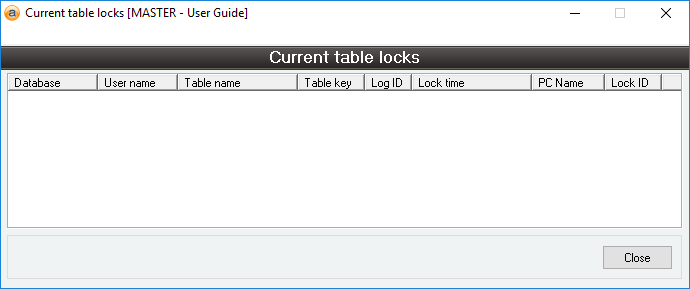
List of database locks
This is the list of all locks showing details as follows:
- Database: The name of the database in which the locks exist. If you have administrator permissions, locks from all databases connected to the server will be shown, otherwise only record locks in the current database will be displayed
- User name: The name of the user who has the record locked
- Table name: The name of the table to which the locked record relates
- Table Key: The unique internal number identifying the specific record being locked (relative to the specified table)
- Log ID: Internal login identifier relating to user
- Lock Time: The time that the lock was placed
- PC name: The PC from which the lock was placed
- Lock ID: Internal lock identification